
Guide for healthcare providers
How Evira works alongside your EHR system
Evira helps clinics monitor treatment between visits and transfer relevant clinical information into the electronic health record (EHR). The platform generates summaries at key clinical milestones that clinicians can copy and paste directly into the record. This provides clinicians with consolidated clinical notes ready for documentation.
Reviewed by Evira's medical team
Published · Updated
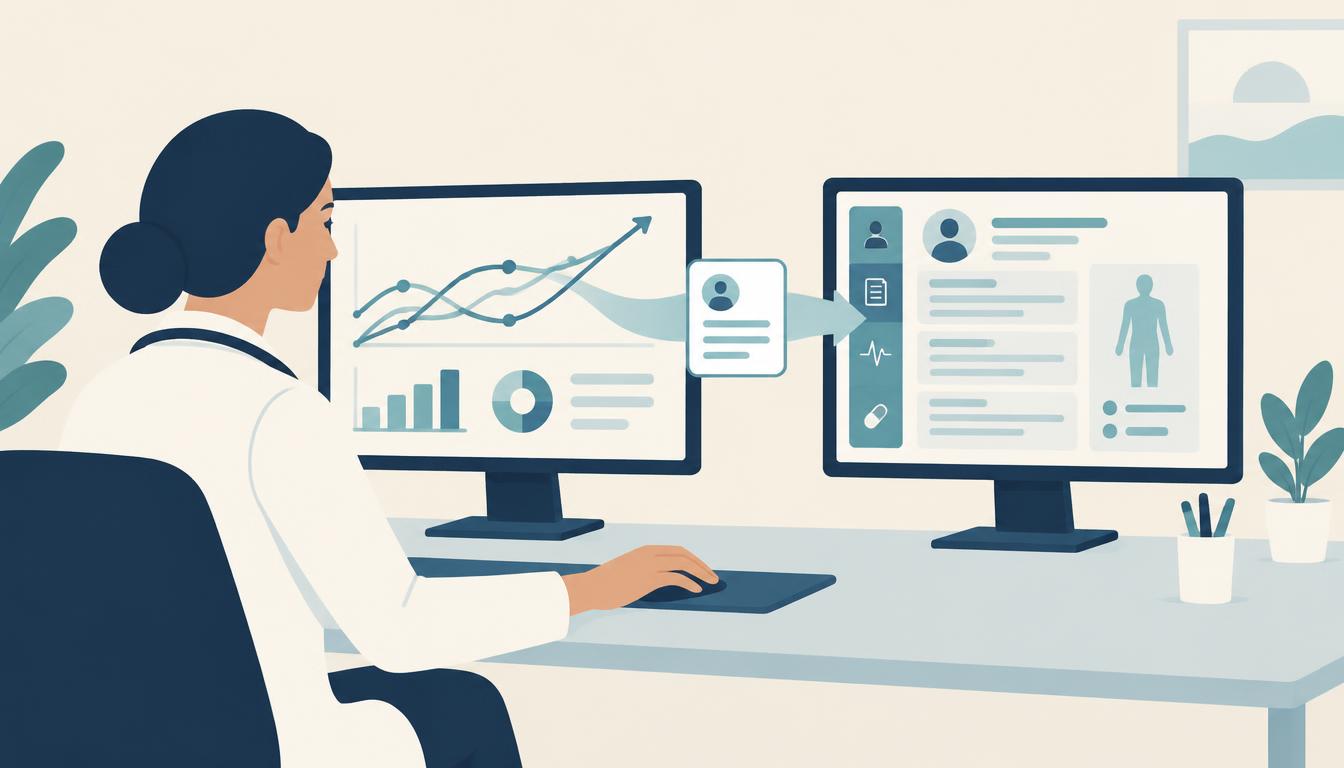
Summaries as a basis for clinical documentation
When a family uses Evira, the clinical team receives continuous data on progress and interim contact between visits. These summaries assist the clinician in transferring this information into the medical record to inform ongoing care.
One example is documentation following a review appointment. The clinician reviews progress with the family, completes their assessment, and plans next steps. An Evira summary can serve as the clinical basis for the record entry, alongside the clinician’s assessment and points discussed during the consultation.
This allows clinics to use Evira alongside their existing EHR system. The summary acts as a practical bridge between continuous monitoring in Evira and formal healthcare documentation.
Natural points for system integration
The points at which summaries are transferred into the record represent natural opportunities for future technical integration. They address a concrete workflow step: the data is clinically relevant for the record and the clinician is already using it.
For clinics wishing to automate this transfer, we can start with this specific workflow. Together, we review what information the summary should contain, when it should be transferred, and where it should sit in the EHR. This clarifies exactly how the integration will support the clinician.
Automated transfer must be tailored to the specific EHR system and the provider's technical infrastructure. In the meantime, summaries can be used immediately via copy and paste, delivering daily documentation value while further integration requirements are evaluated.
Data export for documentation and archiving
Data can also be exported from Evira. This enables healthcare providers to extract information whenever documentation needs to be stored or used outside the platform.
The appropriate format and content depend on the intended use. During a consultation, we can demonstrate export capabilities and review how they align with your clinic's documentation standards and record retention policies.
Documentation in child safeguarding concerns
Data export can also assist clinical teams when investigating or escalating child safeguarding concerns. Relevant treatment data can be extracted to support the provider's ongoing management. Clinical assessments and actions follow the provider's established safeguarding procedures.
Ensuring information supports continuity of care
When information from Evira is documented in the EHR, subsequent clinicians have access to the necessary background for ongoing treatment. This is particularly valuable during cross-cover, annual leave, or staff turnover.
The summary should therefore be reviewed alongside the clinician’s assessment, the current management plan, and what was agreed with the family. This ensures both clinical progress and clinical decision-making remain transparent over time.
The healthcare provider retains clinical responsibility and acts as the data controller for patient data. Evira processes data on behalf of the healthcare provider and supplies documentation for data protection and information security reviews. Read about security, patient data, and responsibilities.
Review your documentation workflow with us
We begin by examining your current clinical workflows and demonstrating how Evira summaries can be integrated into your EHR documentation. We then review data export requirements and identify which transfers would benefit from automation.
Walking through a concrete patient journey provides clarity for both clinicians and IT teams: from follow-up in Evira, through the clinical summary, to final entry in the patient record. Read more about clinic implementation.
Frequently asked questions about EHR systems and integration
- Do we need to replace our EHR system to use Evira?
No. Evira operates alongside your clinic's existing EHR system. Summaries generated by the platform can be copied and pasted directly into patient notes.
- How does Evira support clinical documentation?
The platform generates structured summaries at relevant points during treatment. Clinicians can incorporate these into patient records alongside their clinical assessment and management plan.
- Can summaries be used in an automated integration?
Yes, they serve as natural starting points when planning an integration. Feasible automated transfer options depend on your specific EHR system and the information workflows you wish to support.
- Can data be exported from Evira?
Yes. Data can be exported for clinical documentation, auditing, and external archiving. Exports can also provide documentation in child safeguarding assessments. We will review what content and format meet your specific clinical requirements.
More guides for healthcare providers
- Digital childhood obesity treatment across multiple clinicsJoint training, a clear division of responsibility during leave, induction for new colleagues, and scheduled time for follow-up at each clinic.
- How to choose treatment tools for childhood obesityStart from what the team and families need to be able to do in treatment, then assess tools, research, and how the work fits into clinic routines.